Zenith

Your Moodle courses, on your desktop and your phone.

Zenith is a free app for Moodle on Linux, Windows, macOS and Android. Open your courses, read assignments and save course files without loading the website each time.

Download from GitHub

Works on Linux, Windows, macOS and Android.

Other systems

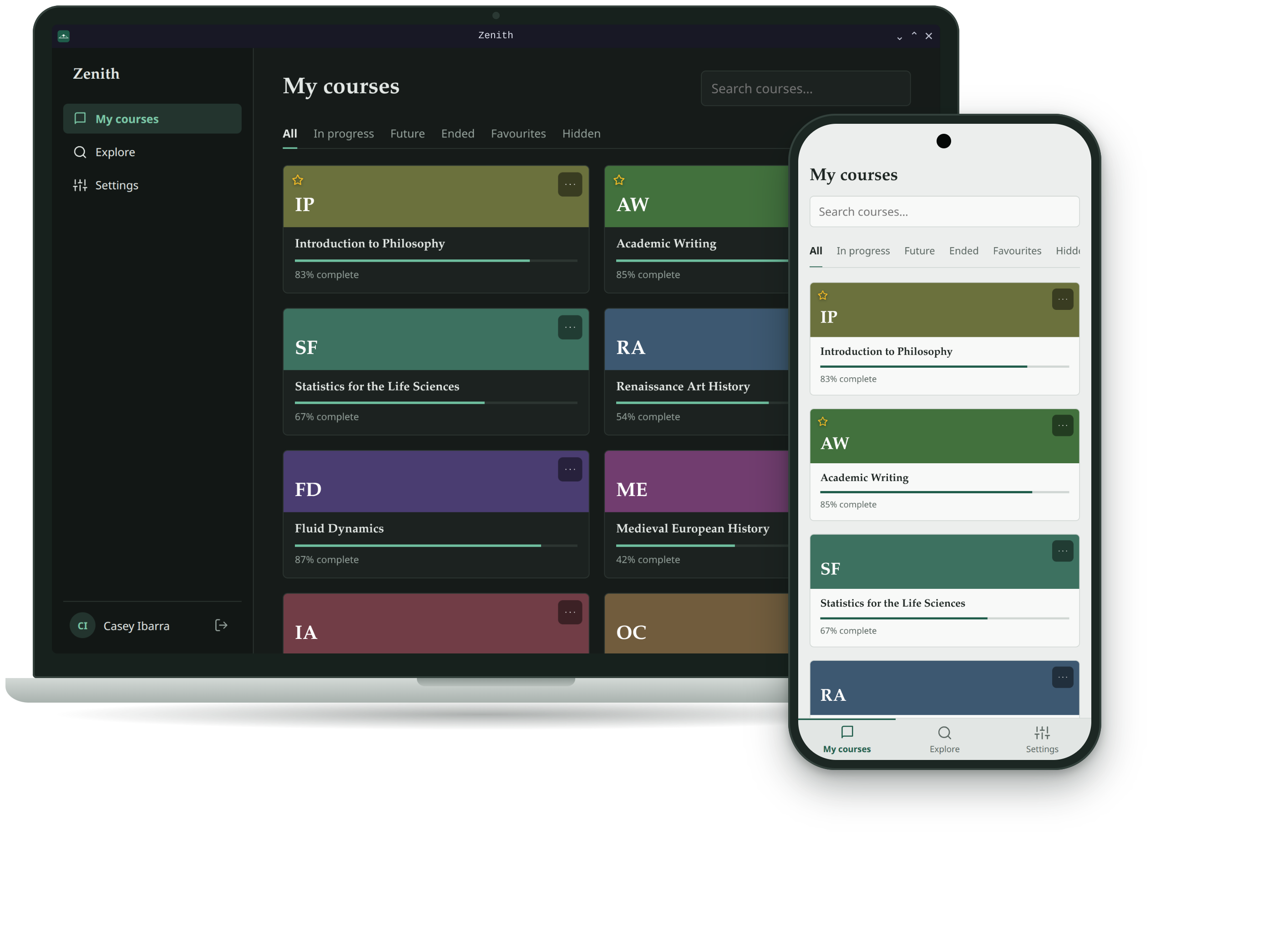
Zenith on a laptop, showing a grid of courses with a sidebar, next to an Android phone showing the course list with a navigation bar at the bottom

What you can do

Sign in
Enter your university's Moodle address. Single sign-on opens your institution's own login page in your browser, and you come straight back to the app. Plain username and password sites work too.
Browse courses
Filter by in progress, future, ended or favourites, search by name, and hide the courses you no longer need.
Read assignments
See due dates, descriptions, attachments, your submission status and grade. Locked assignments show when they open. To hand something in, the app opens the page in your browser, already logged in.
Keep your files
Files are saved in a folder per course and open in your usual PDF viewer or office app. By default a file is downloaded again only when your teacher has updated it. On Android, files stay inside Zenith and open in the app you pick.
Find more courses
Search the whole site by course, department or teacher and enrol yourself in courses that allow it.
Stay private
Your login is stored in the system keychain, or encrypted with the Android Keystore on a phone. Zenith talks only to your Moodle site. On a computer it also asks GitHub whether a new version is out.

Downloads

Find your system and tap the button. If you are not sure, take the first one.

Windows

Loading the latest version…

macOS

Loading the latest version…

Linux

Loading the latest version…

Android

Loading the latest version…

iPhone and iPad are not supported yet.

First launch

Windows
The installer is not code-signed yet, so SmartScreen may warn you. Choose More info, then Run anyway.
macOS
The app is not notarized yet. If macOS refuses to open it, right-click the app and choose Open, or allow it under System Settings, Privacy & Security.
Linux
For the AppImage, make it executable first: chmod +x Zenith*.AppImage. The .deb and .rpm packages install with your package manager.
Android
Needs Android 7 or newer. Open the downloaded .apk file. The first time, Android asks you to allow installs from your browser or file manager: allow it for this one install. The app does not update itself, so to update, download the new .apk from this page and install it over the old one.